Library Management System Plugin for WordPress
The Library Management System is a WordPress plugin designed to streamline and enhance the management of libraries, offering an intuitive and powerful solution for organizing books, users, bookcases, transactions, and more. Whether you are running a small community library or a large institutional library, our plugin provides the tools you need to operate efficiently and effectively.
Empower Your Institution with Our LMS Plugin
✔ Limitless Organization: Seamlessly manage an unlimited number of categories, bookcases, sections, and books, providing unparalleled flexibility in library organization.
✔ User Management: Effortlessly handle unlimited user branches and LMS users, empowering administrators to efficiently manage access and permissions across the system.
✔ Streamlined Transactions: Enable users to borrow and return multiple books simultaneously, while the system meticulously tracks transactions and maintains a comprehensive history.
✔ Comprehensive Multilingual Support: Cater to a global audience with multilingual support for 5 languages – English, Hindi, Turkish, Vietnamese, and Italian – ensuring inclusivity and accessibility.
✔ Robust Data Management: Utilize advanced tools for data management, including a test data import tool, CSV data import, and a data backup tool for seamless export and import operations.
✔ Detailed Reporting: Generate detailed reports in PDF, print, or CSV format with customizable filters, providing valuable insights into library usage and trends.
✔ Flexible Listing Options: Customize book listings with filters via shortcode, enabling users to easily navigate and discover library resources based on their preferences.
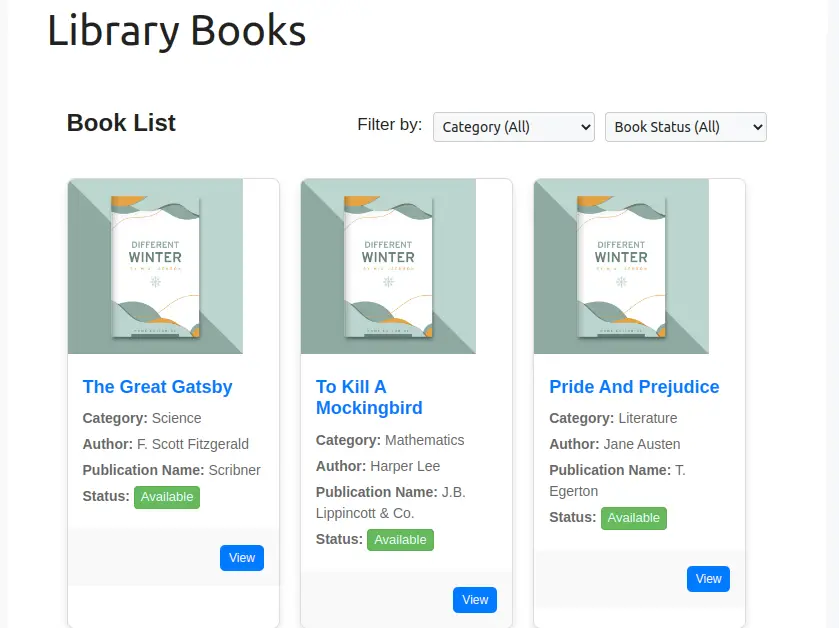
✔ Interactive Public LMS Page: Enhance user experience with a public LMS page featuring data filters for category and book availability, empowering users to explore the library’s offerings effortlessly.
✔ Enhanced Viewing Experience: Provide users with a rich viewing experience through a dedicated single book page view, facilitating in-depth exploration of individual titles.
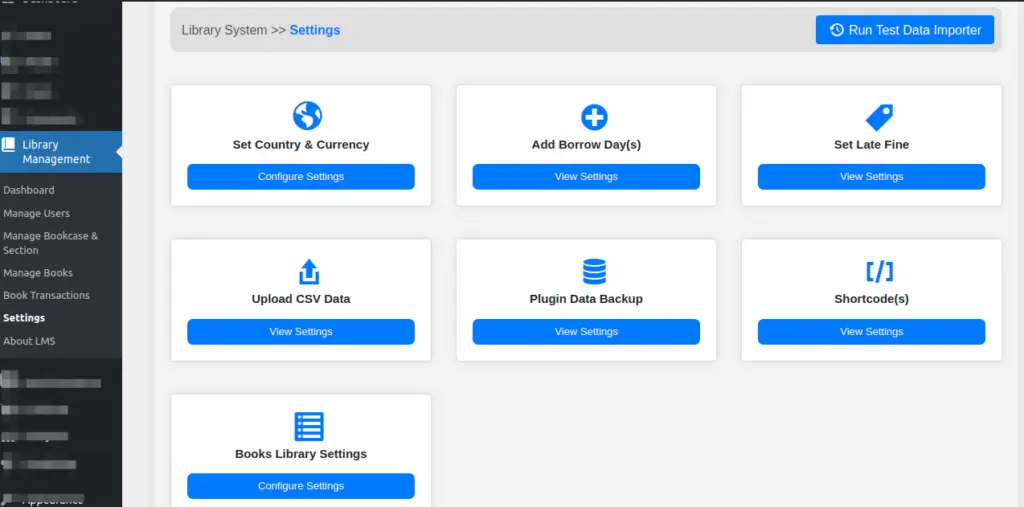
✔ Tailored Settings: Customize settings according to your institution’s specific requirements, including options for borrow days, fines, country, currency, data backup, and shortcode configurations.
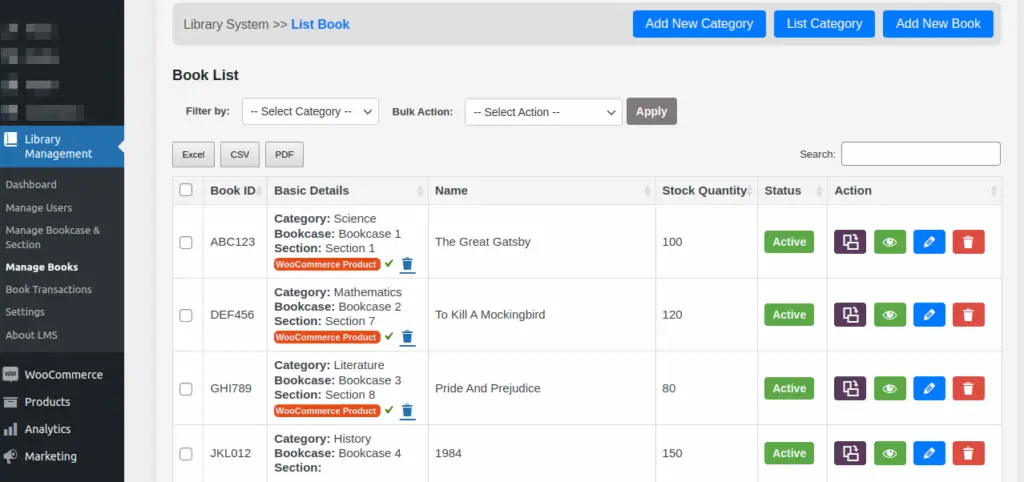
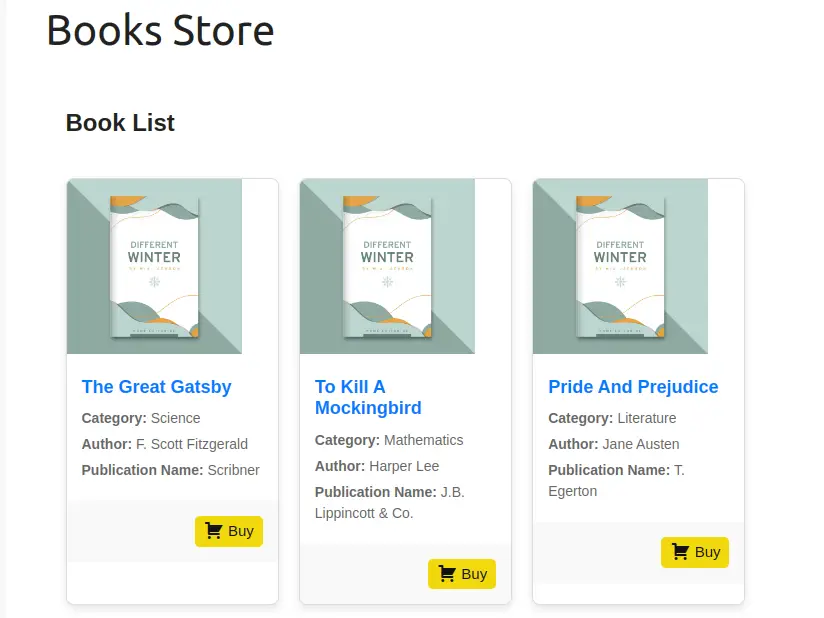
✔ WooCommerce Integration: Integrate with WooCommerce to sell books directly from your library store, combining the power of e-commerce with library management.
✔ Multi-Librarian Support: Allow one or more librarians to manage the library, ensuring smooth operations even with multiple staff members.
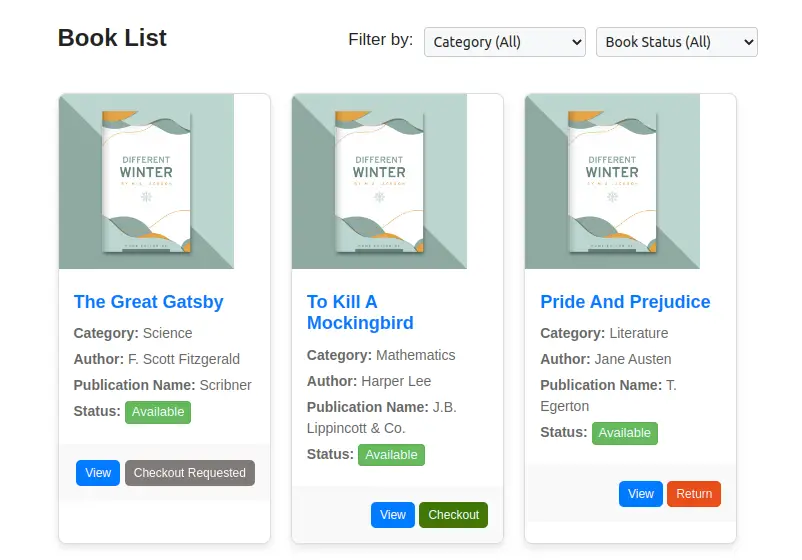
✔ Public Book Requests: Enable users to request to borrow books from a public page, making it easy for them to access the library’s resources.
✔ Self-Checkout and Return: Users can self-checkout and self-return books from a public page, providing a convenient and efficient experience.
✔ User History Shortcodes: Use shortcodes to display users’ history of borrowed and returned books, giving users easy access to their transaction records.
✔ WordPress User Sync: Synchronize WordPress users with the LMS, ensuring a seamless integration between your website’s user base and the library system.
Some Screenshot Images of LMS: #
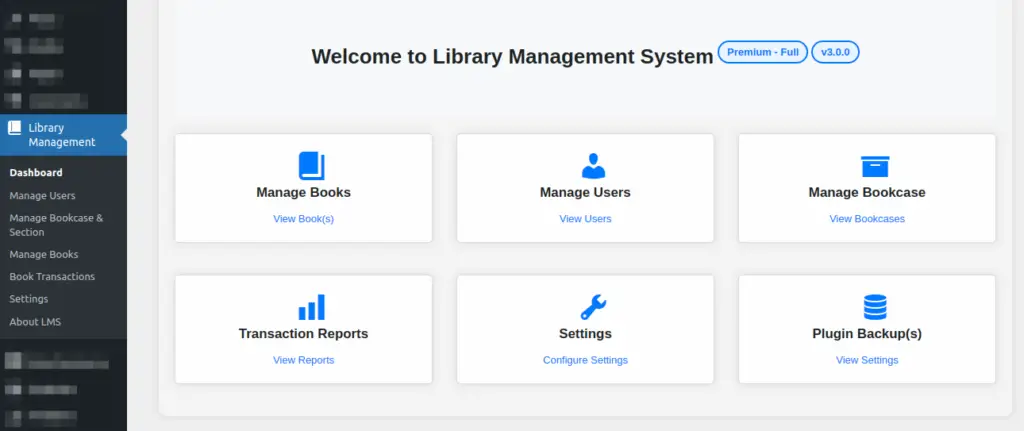
>> Premium LMS Dashboard #
>> Premium LMS Settings Pages #
>> Premium LMS – Frontend Books List Page #
>> Premium LMS – Frontend Books List with Checkout / Return Request #
>> Premium LMS – Books Added to WooCommerce Store #
>> Premium LMS – Frontend Books Store Page #
You can work with free version of LMS by installing plugin from WordPress Repository
Link: https://wordpress.org/plugins/library-management-system/


